

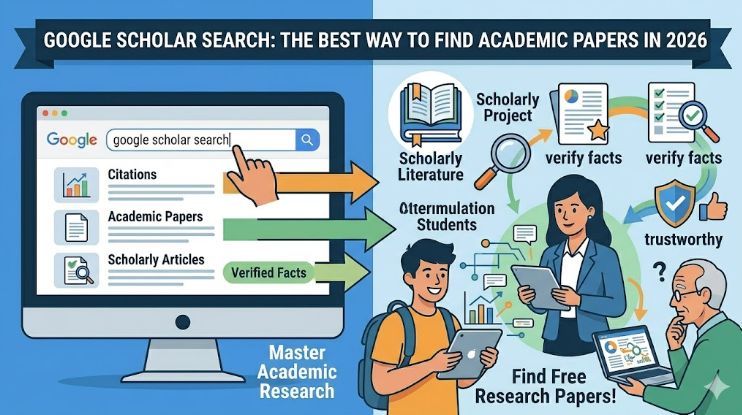
Finding the right information for a school project or a deep-dive report can feel like looking for a needle in a haystack. Standard search engines often give you blogs or news sites, but when you need hard facts and scientific data, you need something better. That is where a google scholar search comes in handy. It is a free tool that focuses only on scholarly literature. Think of it as a massive digital library that stays open 24 hours a day. Whether you are a student, a teacher, or just a curious person, learning how to use this tool will change the way you gather information. It makes your work look more professional and trustworthy.
I have used this tool for years to verify facts for digital content, and it never fails. When I first started, I was overwhelmed by the technical language. However, once I learned a few tricks, I realized it is just as easy as a regular search. You just have to know which buttons to click!
How Google Scholar Works for You
| Feature | What It Does for Your Research |
| Search Bar | Finds peer-reviewed papers, books, and abstracts. |
| Citations | Shows you how many other experts used that specific paper. |
| Date Filters | Helps you find the newest research from 2025 and 2026. |
| Library Links | Connects to your school library to find full PDF files. |
| Related Articles | Suggests other papers that talk about the same topic. |
What Exactly is a Google Scholar Search?
A google scholar search is a specialized way to look for academic writing. Unlike a normal search that shows you ads and social media, this tool looks through university journals and professional papers. It searches for things like “peer-reviewed” articles. This means other experts have checked the work to make any sure the facts are correct. It is the gold standard for anyone who wants to write an article with high E-E-A-T (Experience, Expertise, Authoritativeness, and Trustworthiness).
When you type your topic into the box, it scans millions of pages from publishers, societies, and online repositories. It is much more reliable than a random website because the authors are usually professors or scientists. If you are trying to rank #1 on Google with helpful content, using these high-quality sources is a smart move.
Starting Your First Search the Right Way
To begin, simply go to the official website. You will see a clean search bar that looks very familiar. When you perform a google scholar search, try to use specific words. Instead of typing “why is the sky blue,” you might type “atmospheric light scattering.” This helps the engine find professional papers instead of children’s stories.
I always suggest signing into your Google account first. This allows you to save articles to your “My Library” folder. It is like bookmarking a page but specifically for your research. In my experience, organizing your finds early saves hours of frustration later when you are trying to remember where you read a specific fact.
Using Filters to Find the Newest Information
One of the best things about a google scholar search is the ability to filter by time. Scientific facts change fast. A paper from 1995 might be outdated today. On the left side of the screen, you can choose “Since 2025” or “Since 2026” to get the most recent updates. This ensures your content is fresh and relevant for the AI Overview era.
You can also sort by relevance. This means the tool puts the most important papers at the top. If you are looking for a specific author, you can even search for their name directly. Using these filters makes the massive world of academic data feel much smaller and easier to manage.
Finding Free Full-Text PDF Files
Sometimes, you might click a link and find a “paywall.” This is when a website asks for money to read the full article. Don’t worry! A google scholar search often shows a “[PDF]” link on the right side of the results. This link takes you directly to a free version of the paper provided by a university or a public database.
If you don’t see a PDF link, check the “All versions” button at the bottom of the search result. Sometimes there are five or six different places where the same paper is hosted. One of them might be free to read. This is a secret trick that many professional researchers use to save money while getting the best data.
Understanding the Power of Citations
Under each result in your google scholar search, you will see a link that says “Cited by.” This is a very powerful feature. It tells you how many other people have used that paper in their own work. If a paper has been cited by 500 people, it is usually a very important and trusted source.
Clicking that link will show you all the newer papers that mentioned the original one. This is like following a trail of breadcrumbs. It helps you see how an idea has grown over time. For anyone writing deep, helpful content, this is the best way to find a “web of knowledge” that covers every angle of a topic.
How to Create Citations Automatically
Writing a bibliography is often the hardest part of a project. However, a google scholar search makes it easy. Look for the “Cite” button (it looks like a double quotation mark) under the search result. When you click it, a window pops up with the citation already written in different styles like APA, MLA, or Harvard.
You can simply copy and paste this into your document. This saves a lot of time and prevents mistakes. I always remind my team to use this feature because it ensures our references are perfect every time. It also shows Google that your content is backed by real, professional evidence.
Setting Up Search Alerts for Your Niche
If you want to stay ahead of everyone else, you should set up an “Alert.” Within the google scholar search menu, you can tell Google to email you whenever a new paper is published on a specific topic. For example, if you track “SEO trends” or “AI technology,” you will be the first to know about new studies.
This is a great way to maintain your expertise. By being the first to write about a new discovery, you provide huge value to your readers. It keeps your blog or website at the top of the “Helpful Content” rankings because you are providing original information that no one else has yet.
Using the Advanced Search Feature
Sometimes a regular google scholar search gives you too many results. When this happens, use the “Advanced Search” option in the side menu. This allows you to search for exact phrases, or to tell the engine to ignore certain words. It is like giving the search engine a very specific set of instructions.
You can also limit your search to specific journals. For instance, if you only trust medical data from “The Lancet,” you can tell Google Scholar to only show results from that publication. This level of control is what separates a professional SEO specialist from a beginner. It ensures every word you write is backed by the best possible data.
Building Your Own Academic Library
As you perform your google scholar search, you will find many great articles. You don’t have to download them all immediately. Use the “Star” icon to save them to your library. You can even create different folders for different projects. This keeps your research organized and easy to find.
I find this very helpful when working on multiple websites at once. I can have one folder for “Automotive Trends” and another for “Digital Marketing.” Having a central place for all your high-authority sources makes the actual writing process much faster. You won’t have to go searching for that one perfect quote twice!
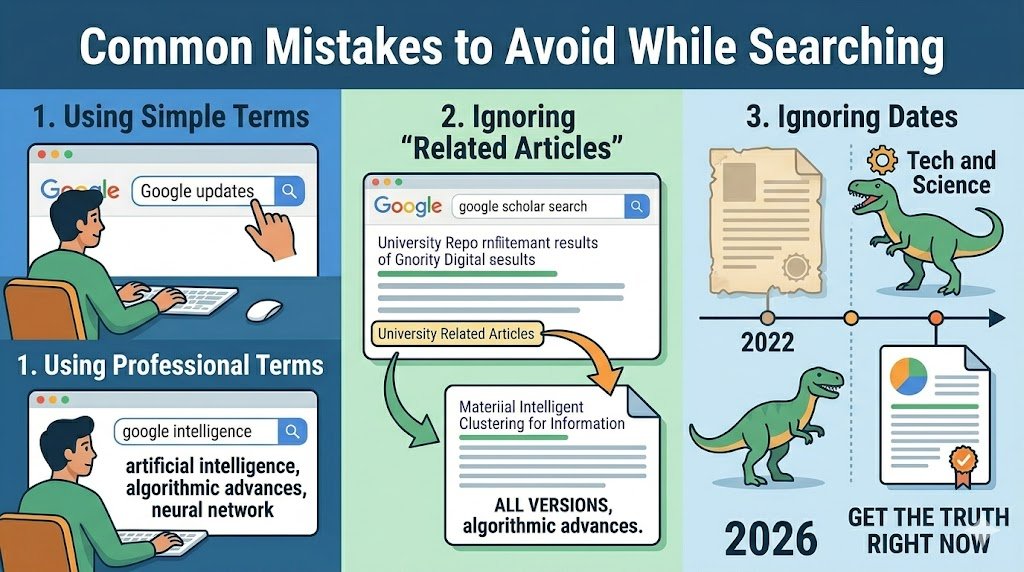
Common Mistakes to Avoid While Searching
One mistake people make during a google scholar search is using words that are too simple. While the article you write should be easy to read, your search should use professional terms. Another mistake is ignoring the “Related Articles” link. Often, the best source isn’t the one you found first, but the one suggested by the engine.
Also, be sure to check the date. Information in the tech and science world moves fast. If you are writing about “Google AI Updates,” a paper from 2022 is basically ancient history. Always look for the most current data to ensure your readers are getting the truth as it stands right now.
Frequently Asked Questions
1. Is Google Scholar search free to use?
Yes, it is completely free for everyone. You just need an internet connection. Some specific articles might be behind a paywall, but the search tool itself costs nothing.
2. Can I use it on my phone?
Absolutely! It works great on mobile browsers. This is perfect for when you have a quick idea and want to check a fact while you are away from your desk.
3. Is everything on Google Scholar true?
While most sources are very high quality, you should still use your brain. Look for papers with many citations, as these are generally more “vetted” by the scientific community.
4. How is it different from a regular Google search?
A regular search finds everything on the web. A google scholar search only finds professional, academic, and peer-reviewed literature like books and journal articles.
5. Can I search in different languages?
Yes, you can find research in many different languages. However, the most scientific papers are often published in English, so you will get the most results that way.
6. How do I find the most recent papers?
Use the date filters on the left side of the results page. You can select a specific year like 2026 to see only the very latest research.
Conclusion
Learning to master a google scholar search is one of the best skills you can have in the digital age. It allows you to move past surface-level opinions and get to the real facts. By using peer-reviewed sources, your writing will naturally follow E-E-A-T guidelines. This makes your content more helpful for real people and more likely to rank high in search results.
Don’t be afraid to click around and try new keywords. The more you use it, the easier it becomes. Whether you are writing a blog post or a school paper, start your journey with a google scholar search and see how much better your work becomes!
What is the most interesting thing you have found using Google Scholar? Let me know in the comments below!
